หลังจากที่เราทำการเก็บ Approve Comment บน SharePoint List กันไปแล้ว เราจะทำการดึง Comment ที่เราเก็บบน SharePoint List ไปใช้ต่อ เช่น ใช้ในการส่งอีเมล
Get Started
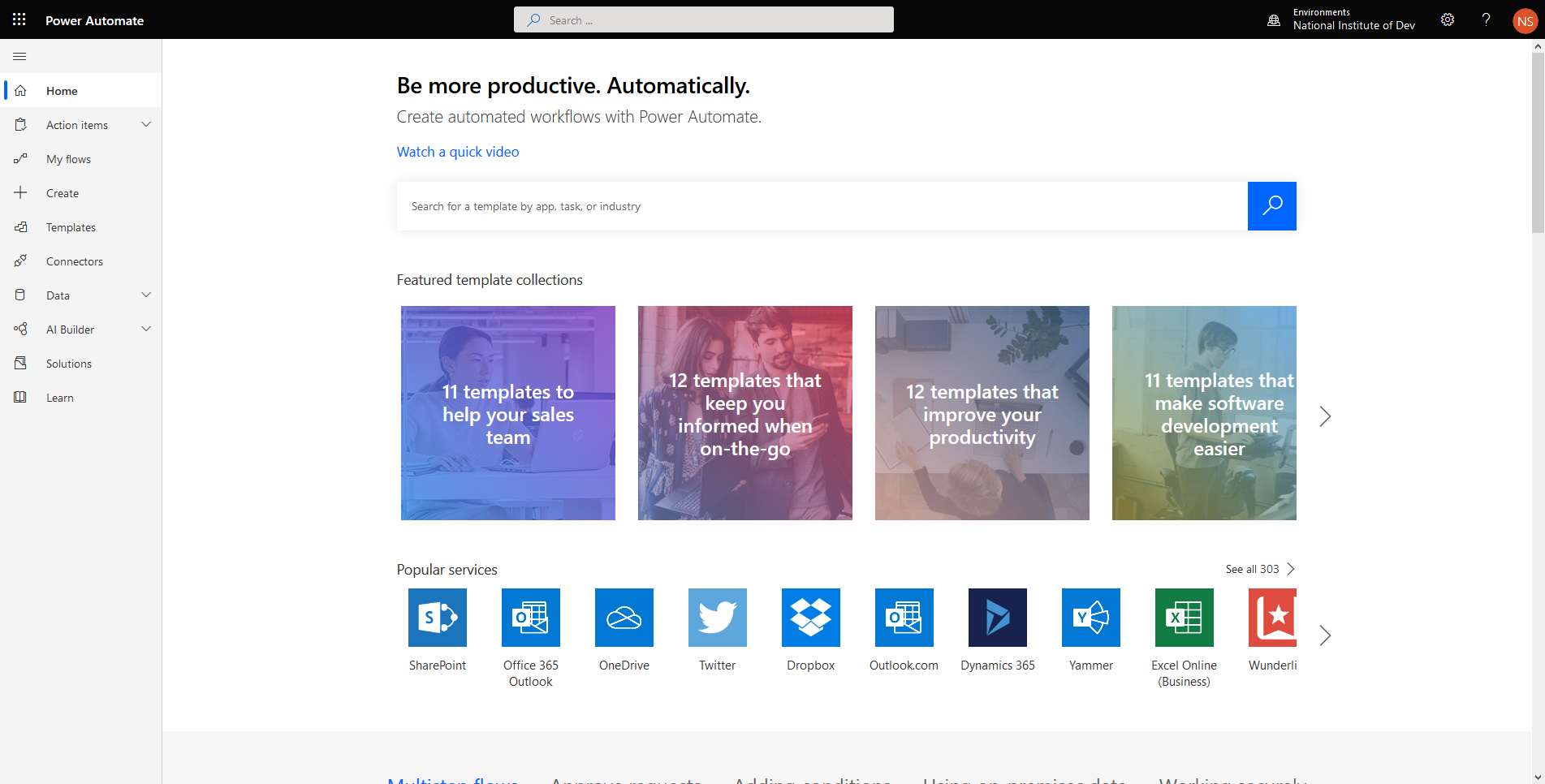
- เข้าไปที่หน้าเว็บ https://asia.flow.microsoft.com/en-us/
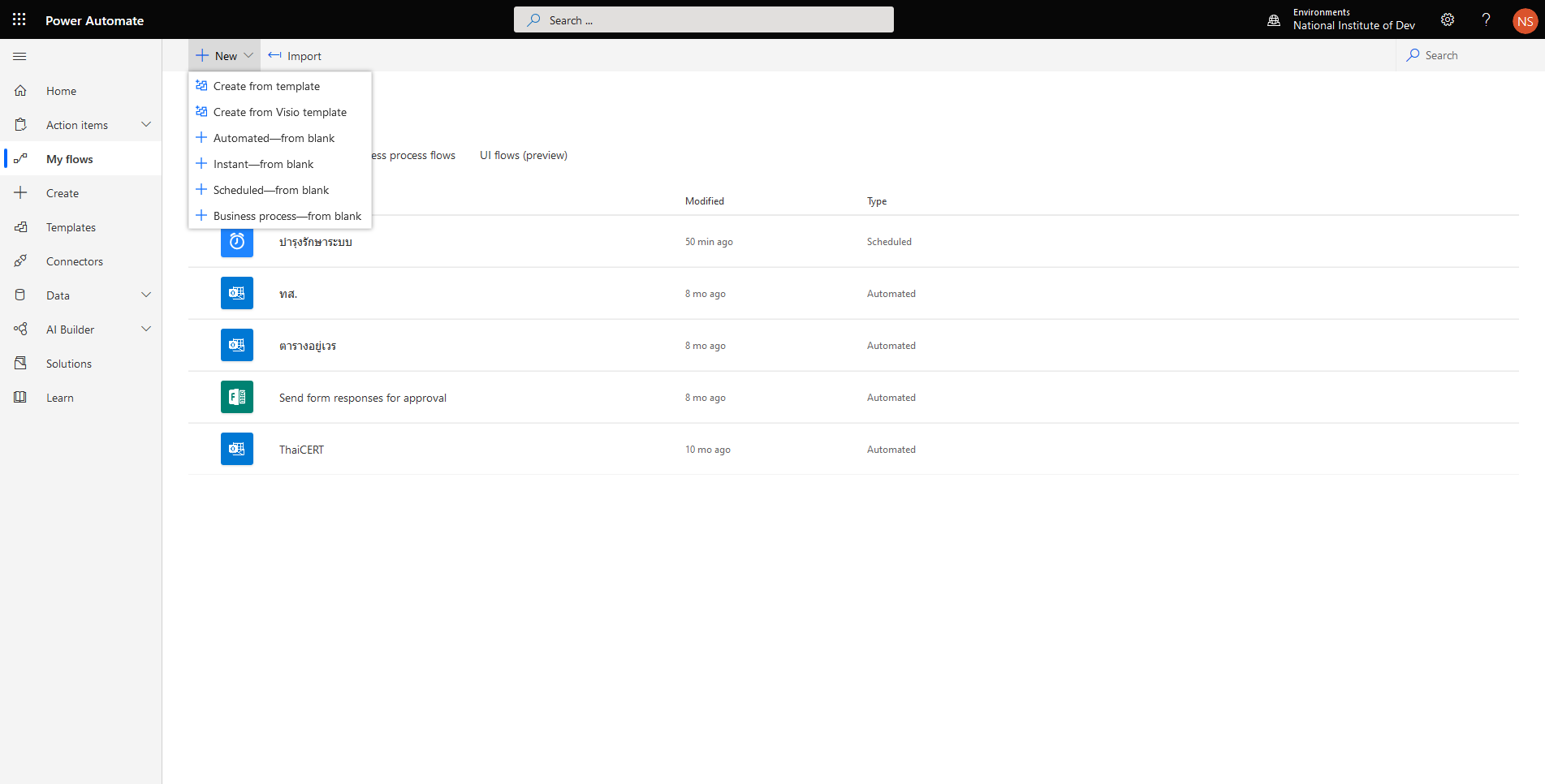
- คลิก My flows แล้วเลือก New Automated from blank
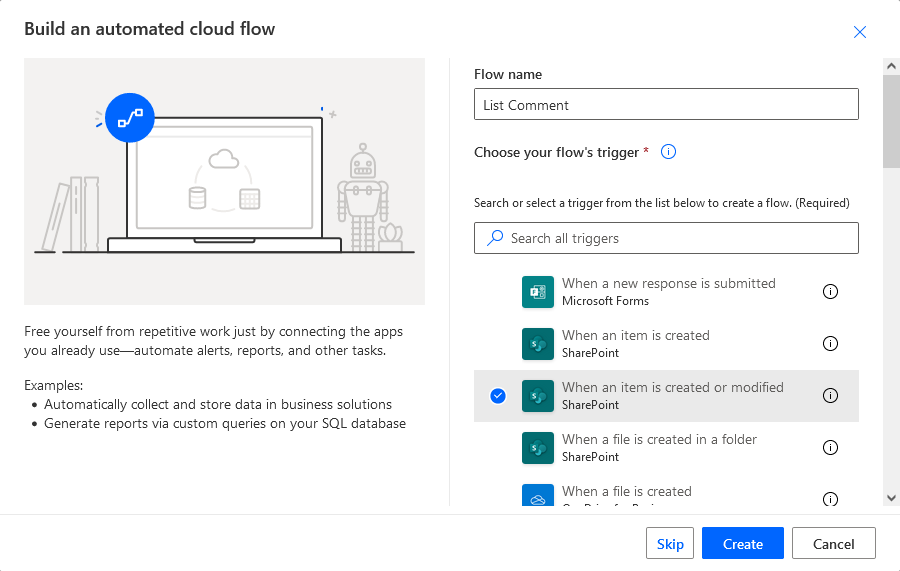
- ทำการกำหนด Flow name และเลือก When an item is created or modified แล้วคลิก Create คำเตือนชื่อต้องมากกว่า 3 ตัวขึ้นไป
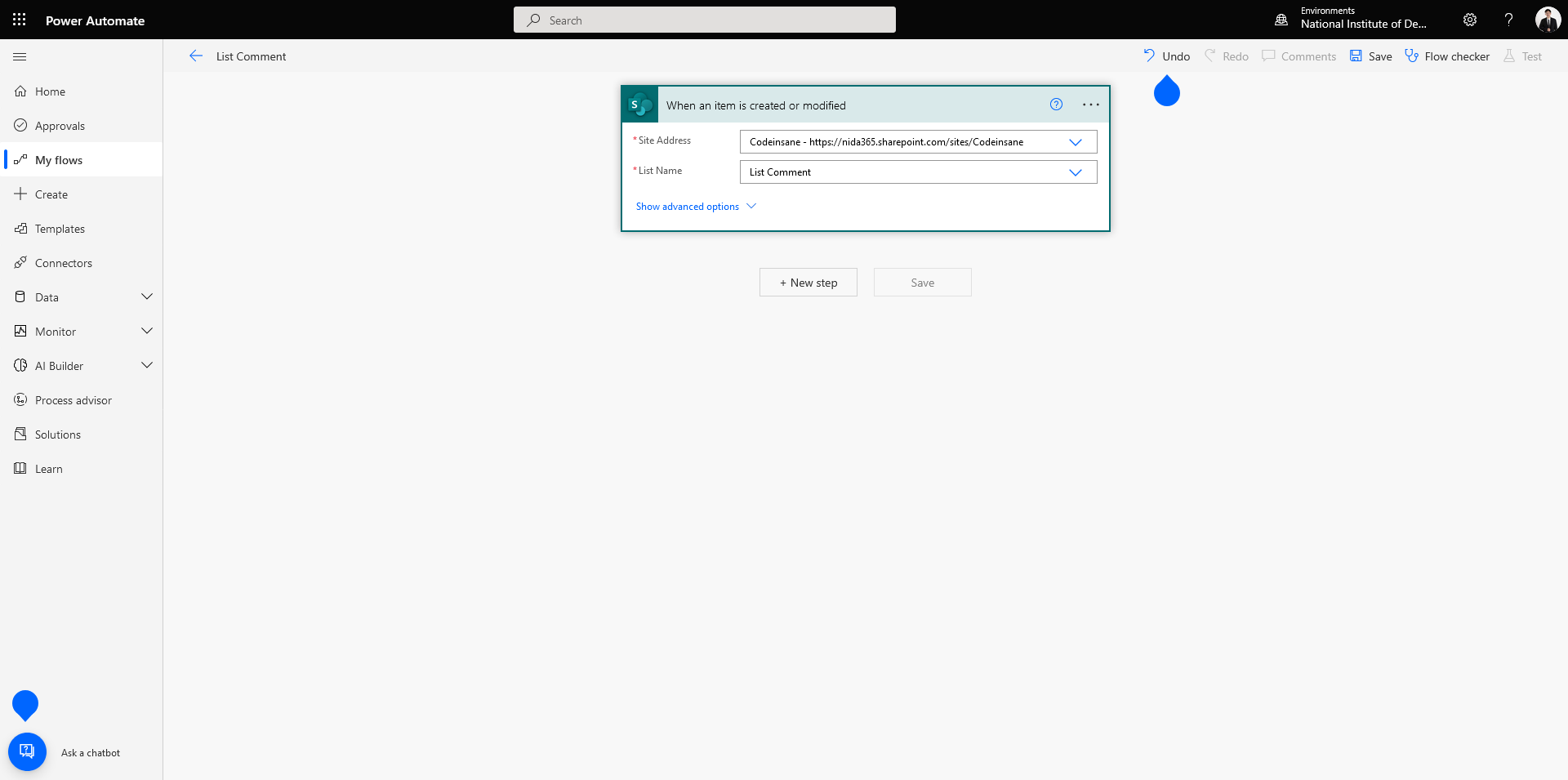
- เลือก Form Id แล้วคลิก Next step
- เลือก Initialize variable สำหรับ Comment ID กำหนด Type เป็น String แล้วคลิก Next step
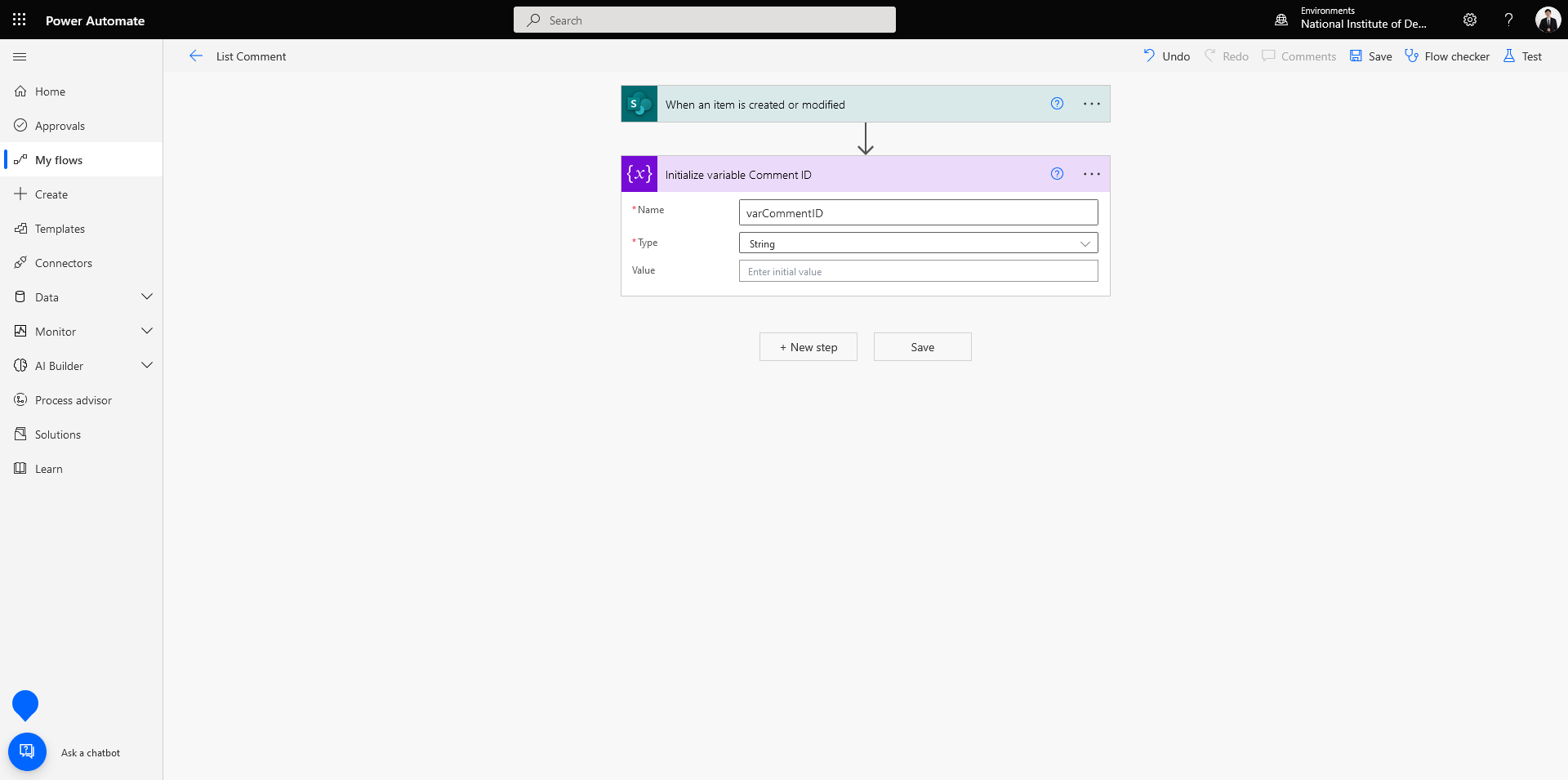
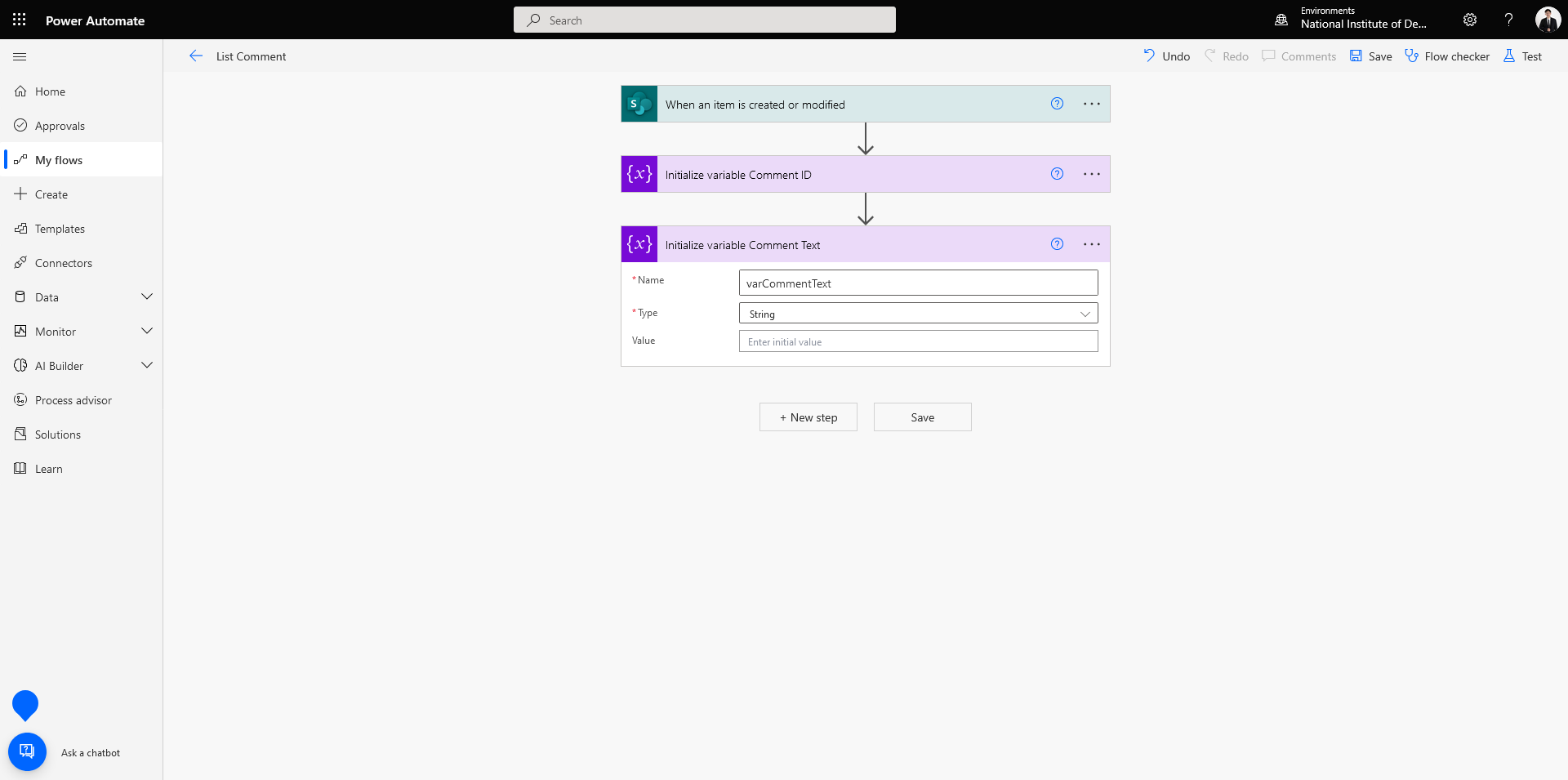
- เลือก Initialize variable สำหรับ Comment Text กำหนด Type เป็น String แล้วคลิก Next step
- เลือก Send an HTTP request to SharePoint ทำการกรอกรายละเอียด แล้วคลิก Next step
Uri : _api/web/lists/getbytitle('LIST')/items('ITEMID')/Comments
Headers : accept | application/json;odata=verbose
          content-type | application/json;odata=verbose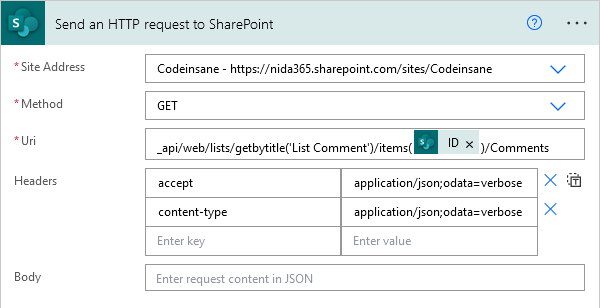
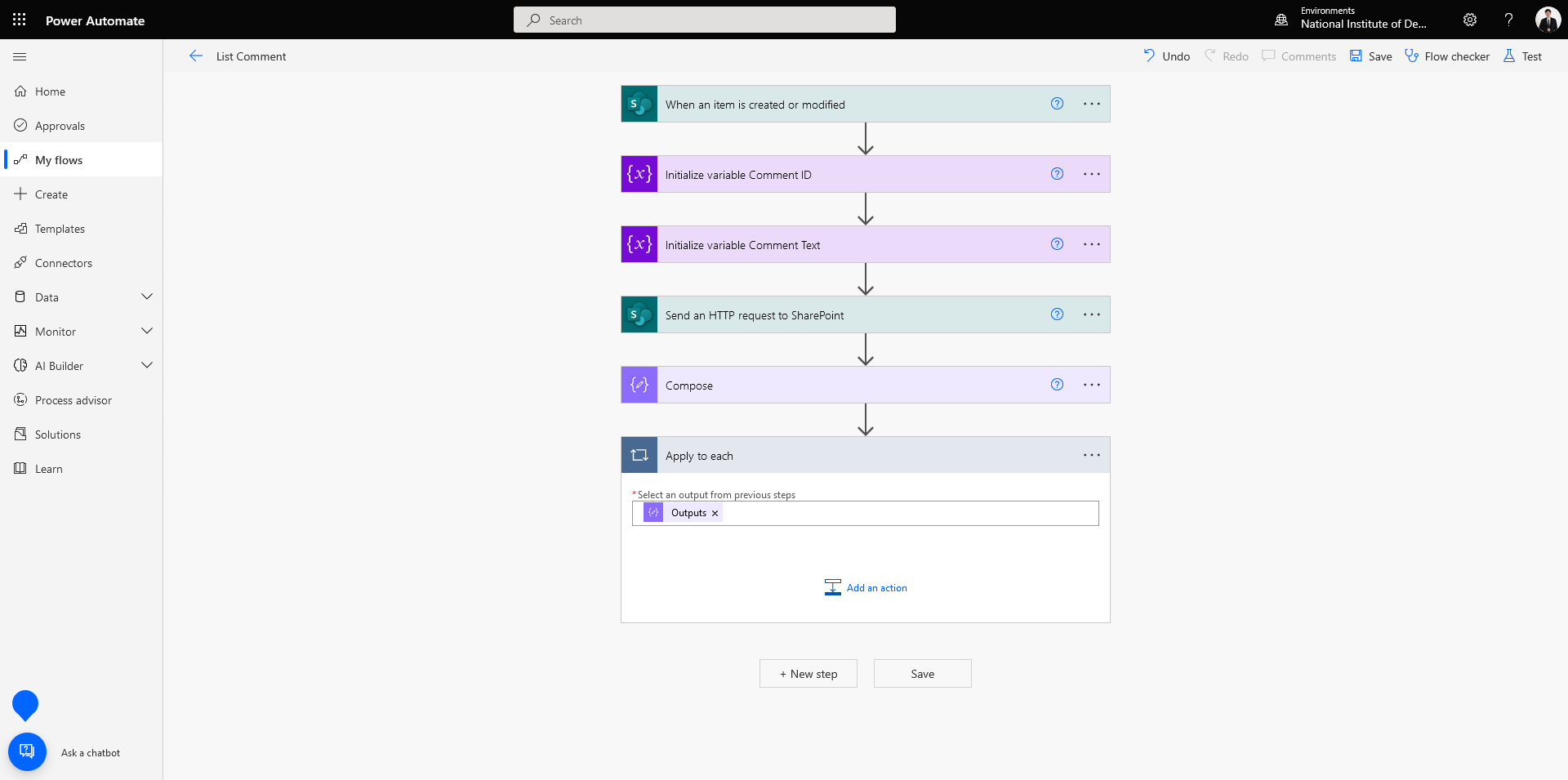
- เลือก Compose กำหนด Inputs แล้วคลิก Next Step
@{outputs('Send_an_HTTP_request_to_SharePoint')?['body/d/results']}
- เลือก Apply to each กำหนด Outputs ที่ได้จาก Compose แล้วคลิก Add an action
- เลือก Set variable สำหรับ Comment ID กำหนด Value แล้วคลิก Add an action กรณีที่ต้องการเลือก Comment จะใช้ ID เป็นตัวกำหนด Condition
@{items('Apply_to_each')?['ID']}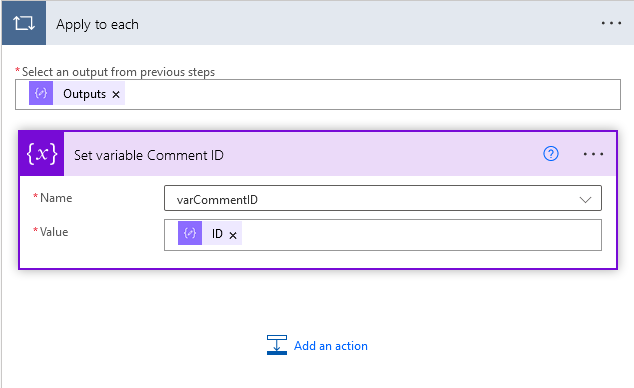
- เลือก Append to string variable สำหรับ Comment Text กำหนด Value แล้วคลิก Add an action
@{items('Apply_to_each')?['Text']}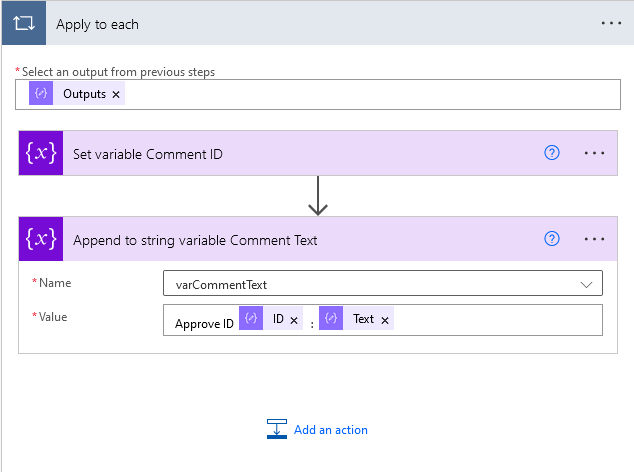
อ่านเพิ่มเติม : https://bit.ly/3yIoAwS
Leave a Reply