หลายคนคงเคยได้ยิน Windows Insider Program ซึ่งการเปิดใช้งานก็มีทั้งข้อดีและข้อเสีย ข้อดีก็คือจะทำให้เราสามารถใช้งาน Feature ใหม่ ๆ ของ Windows ได้ก่อนคนอื่น และไม่ต้องเสียเงินค่า License ส่วนข้อเสียก็คืออาจจะทำให้ Windows ทำงานผิดพลาดจากการ Update ซึ่งควรใช้งานบน Virtual Machine
Get Started
- ทำการเปิด Windows Insider Program
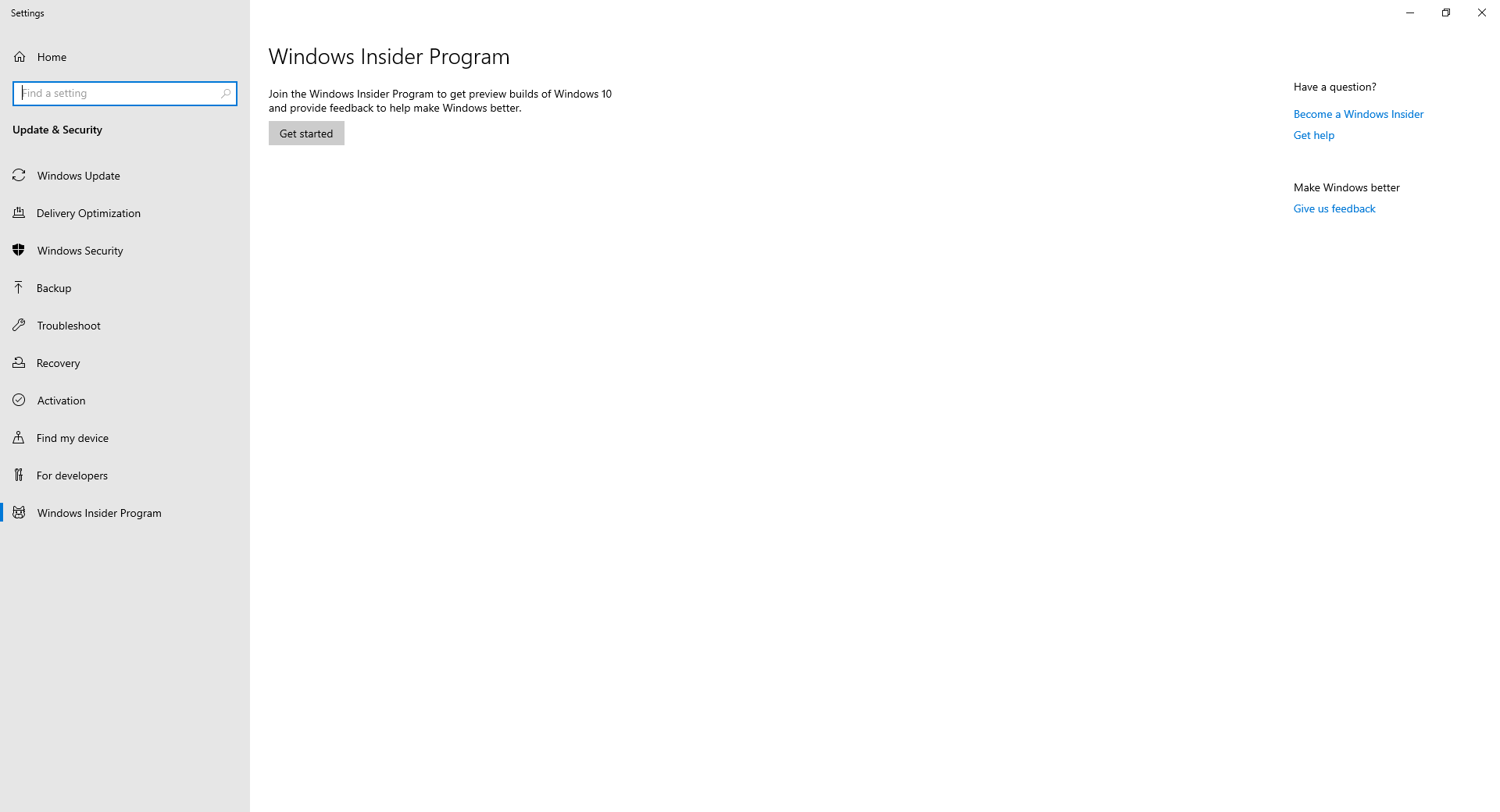
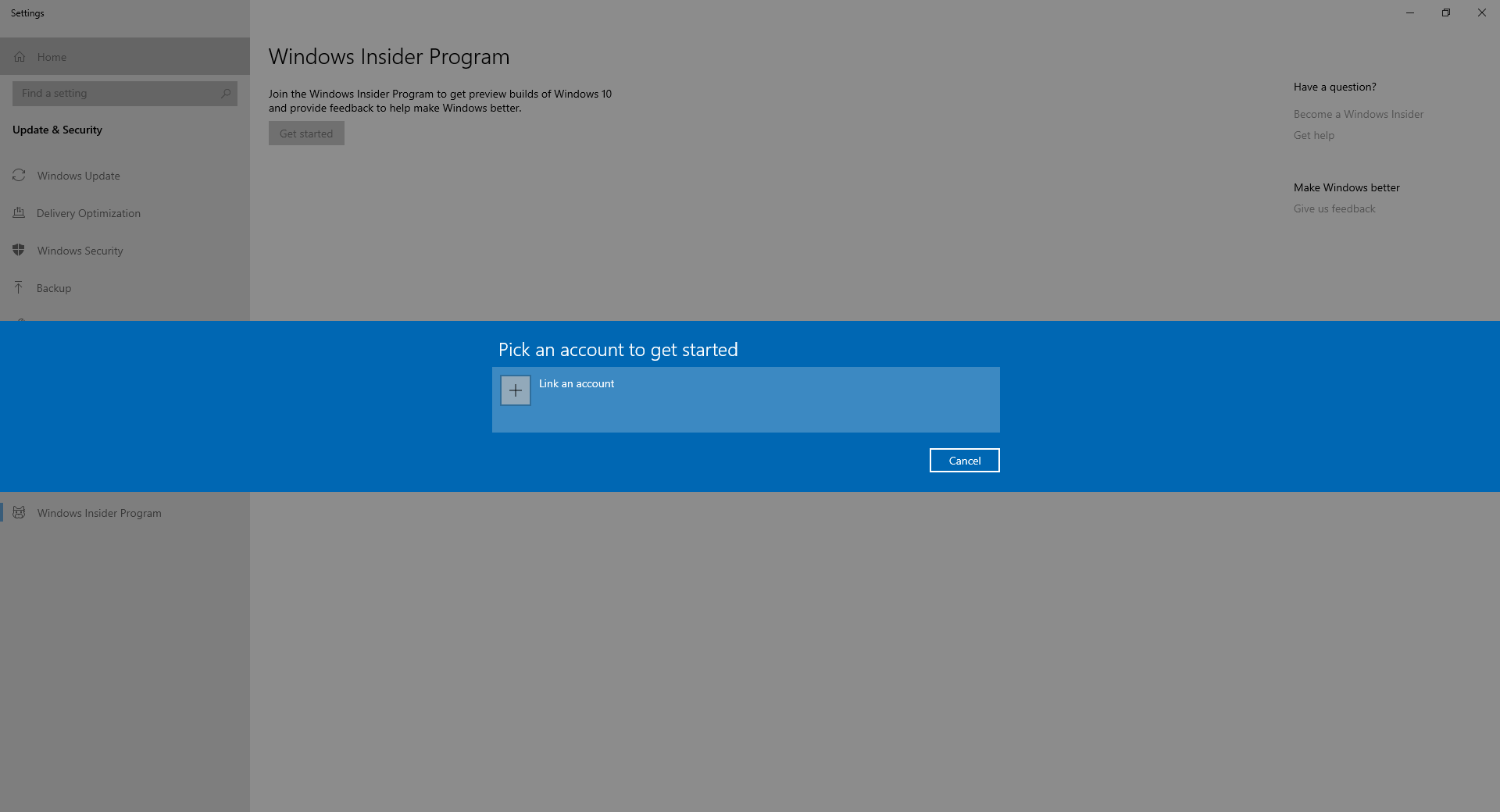
- คลิก Link an account
- เลือก Microsoft account แล้วคลิก Continue

- ทำการกรอก Email แล้วคลิก Next

- ทำการกรอก Password แล้วคลิก Sign in

- คลิก Next

- คลิก Register
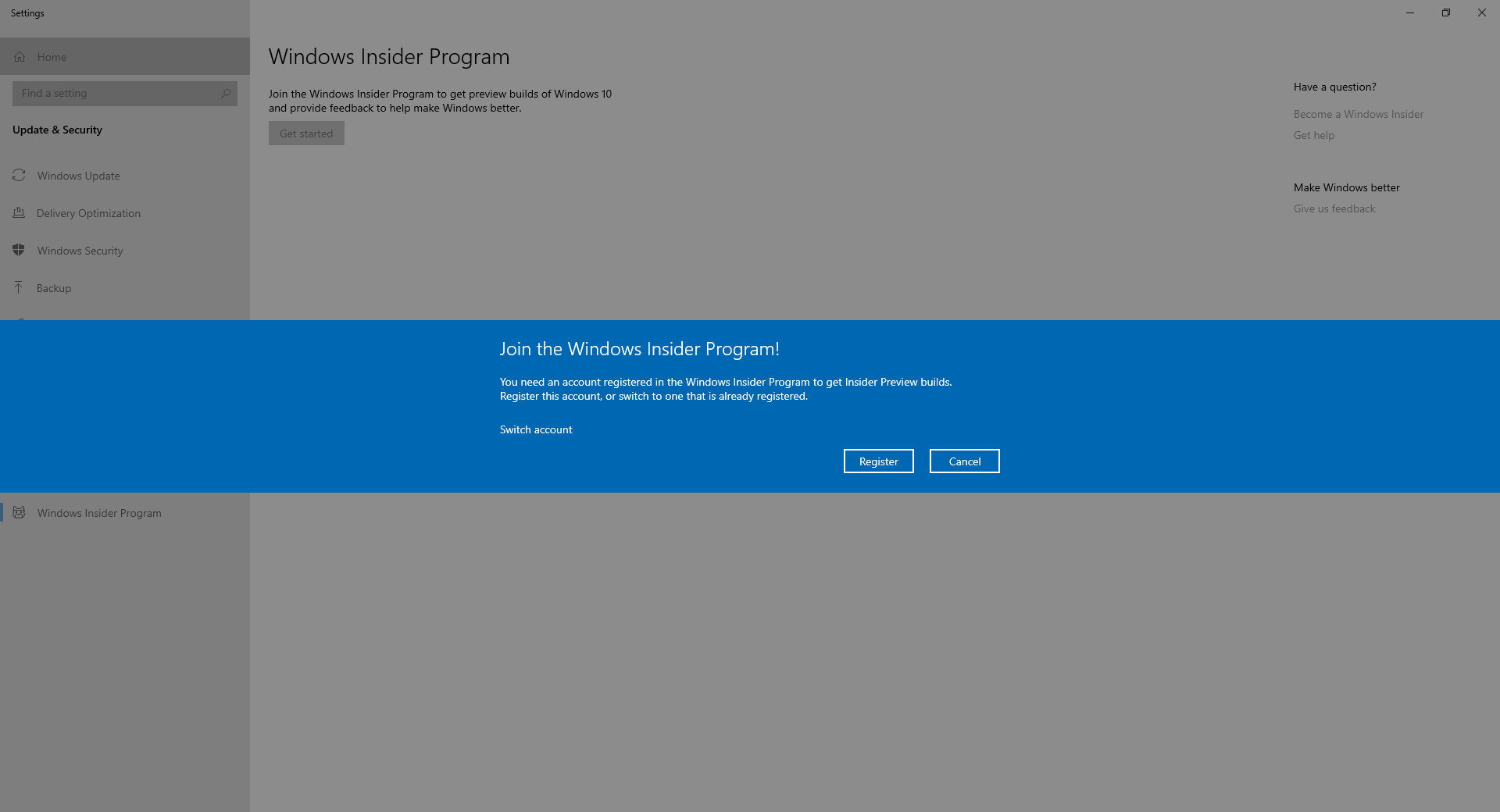
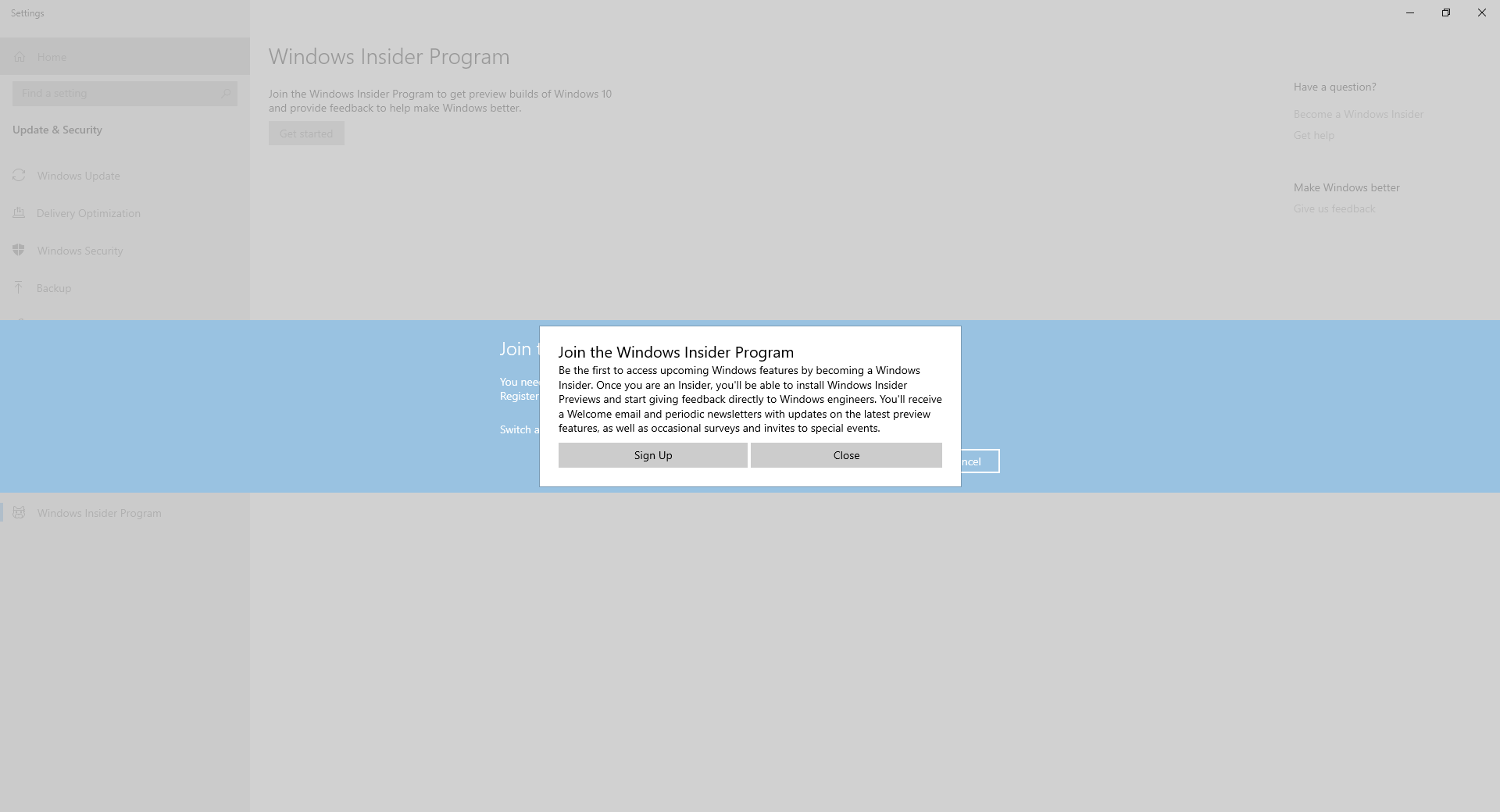
- คลิก Sign up
- เลือก I’ve read and accept แล้วคลิก Submit
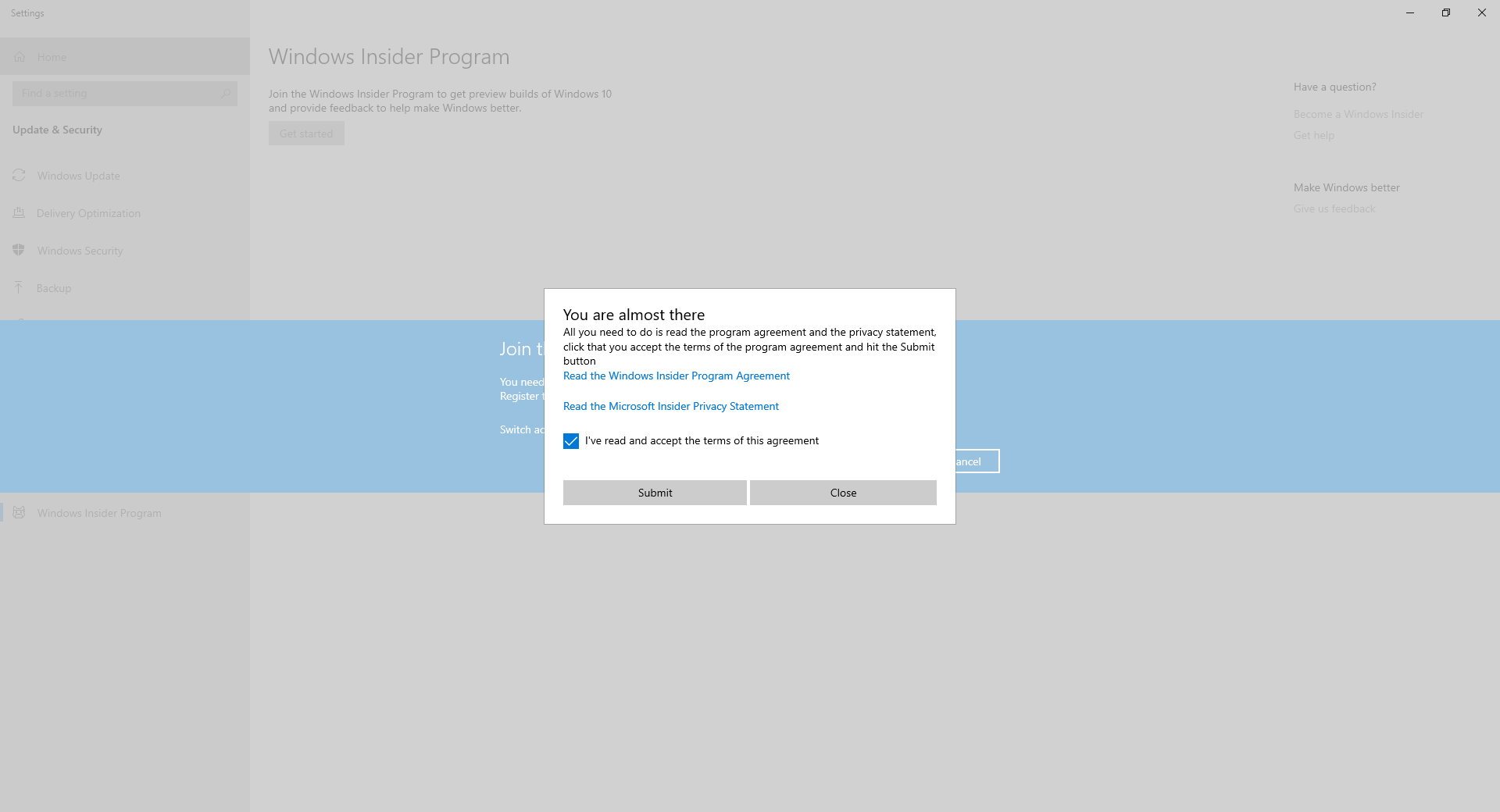
- คลิก Close
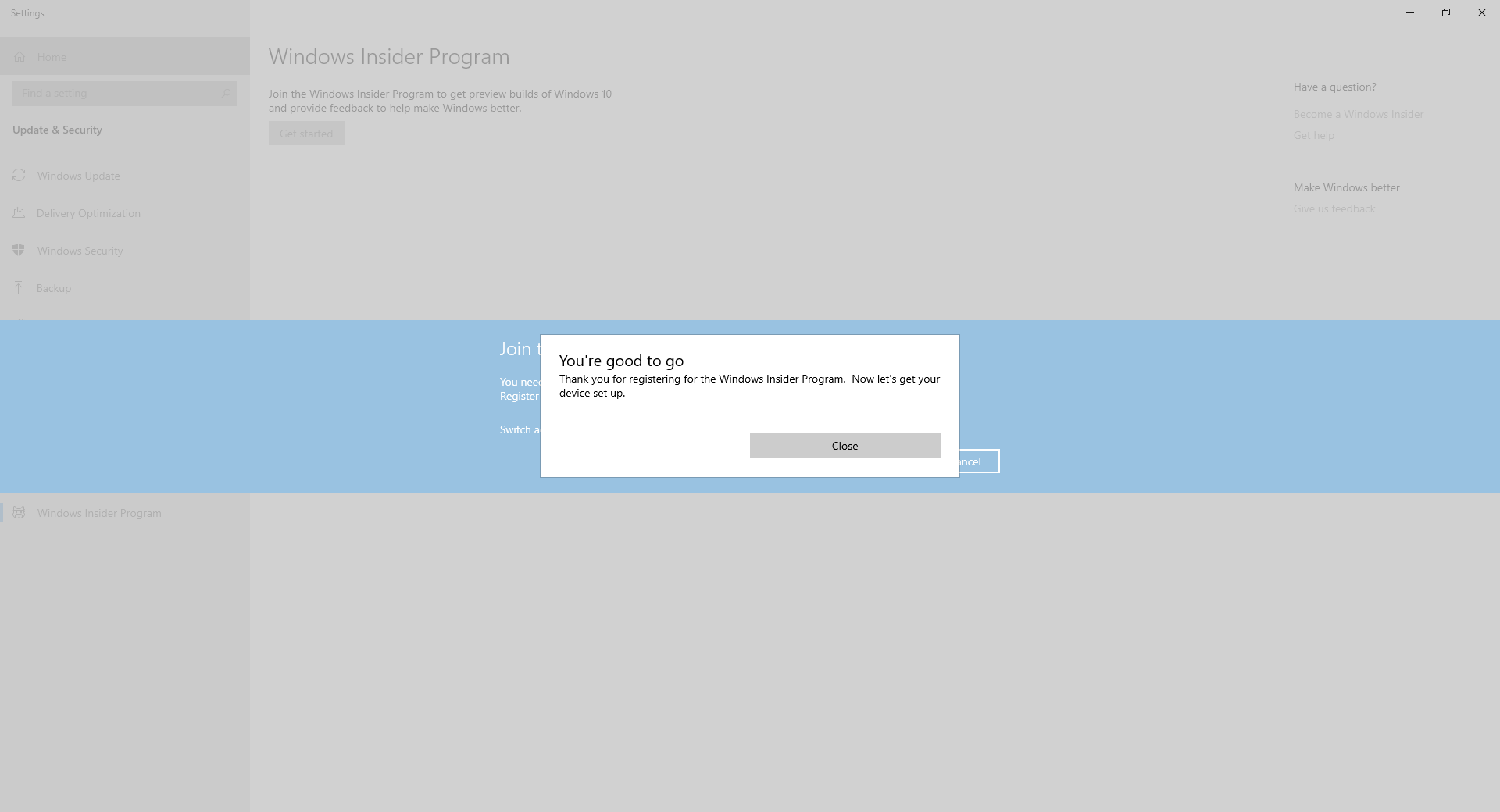
- ทำการ Sign in อีกครั้ง แล้วคลิก Continue

- เลือก Slow ( Recommended ) แล้วคลิก Confirm
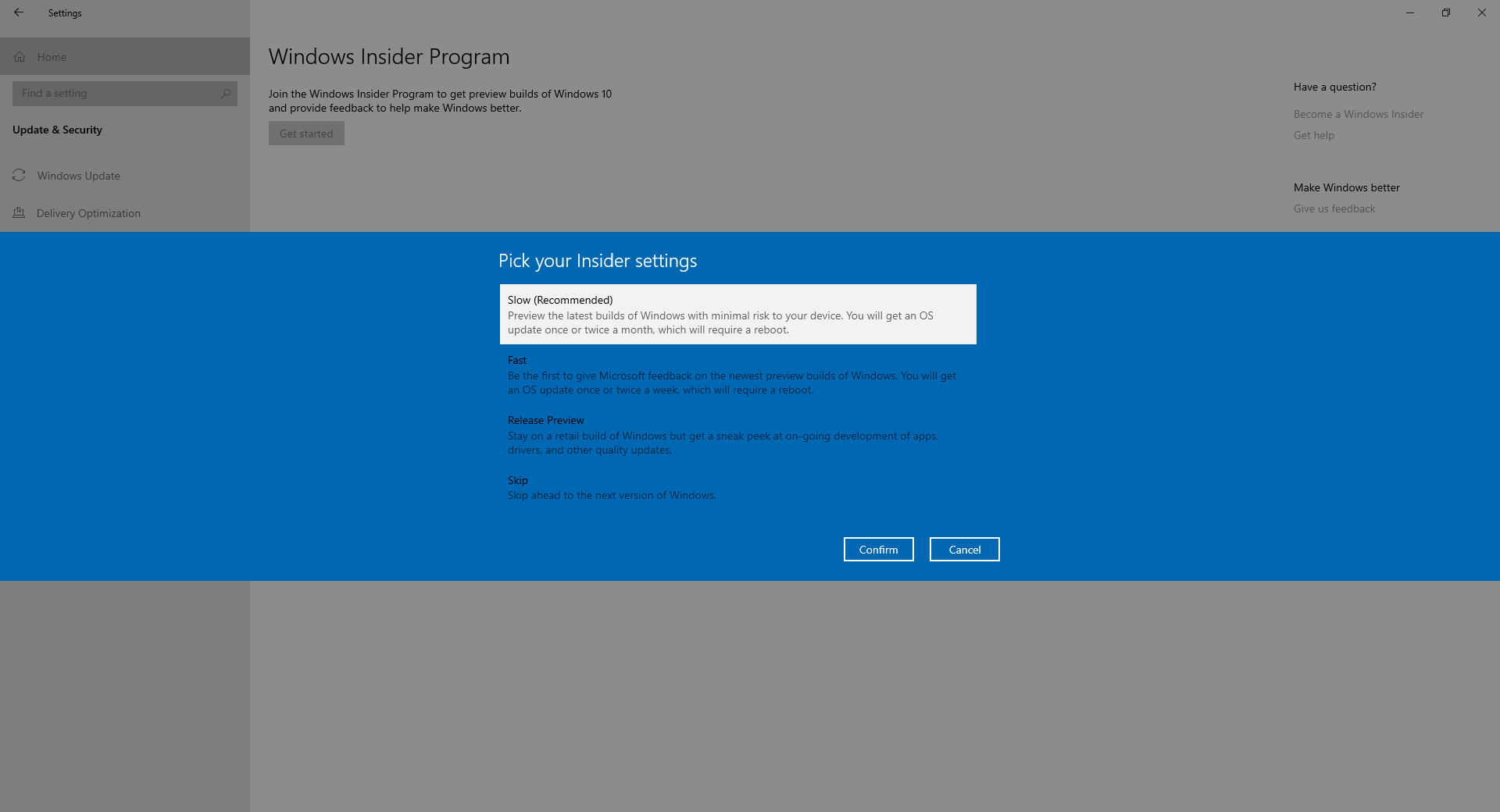
- คลิก Confirm
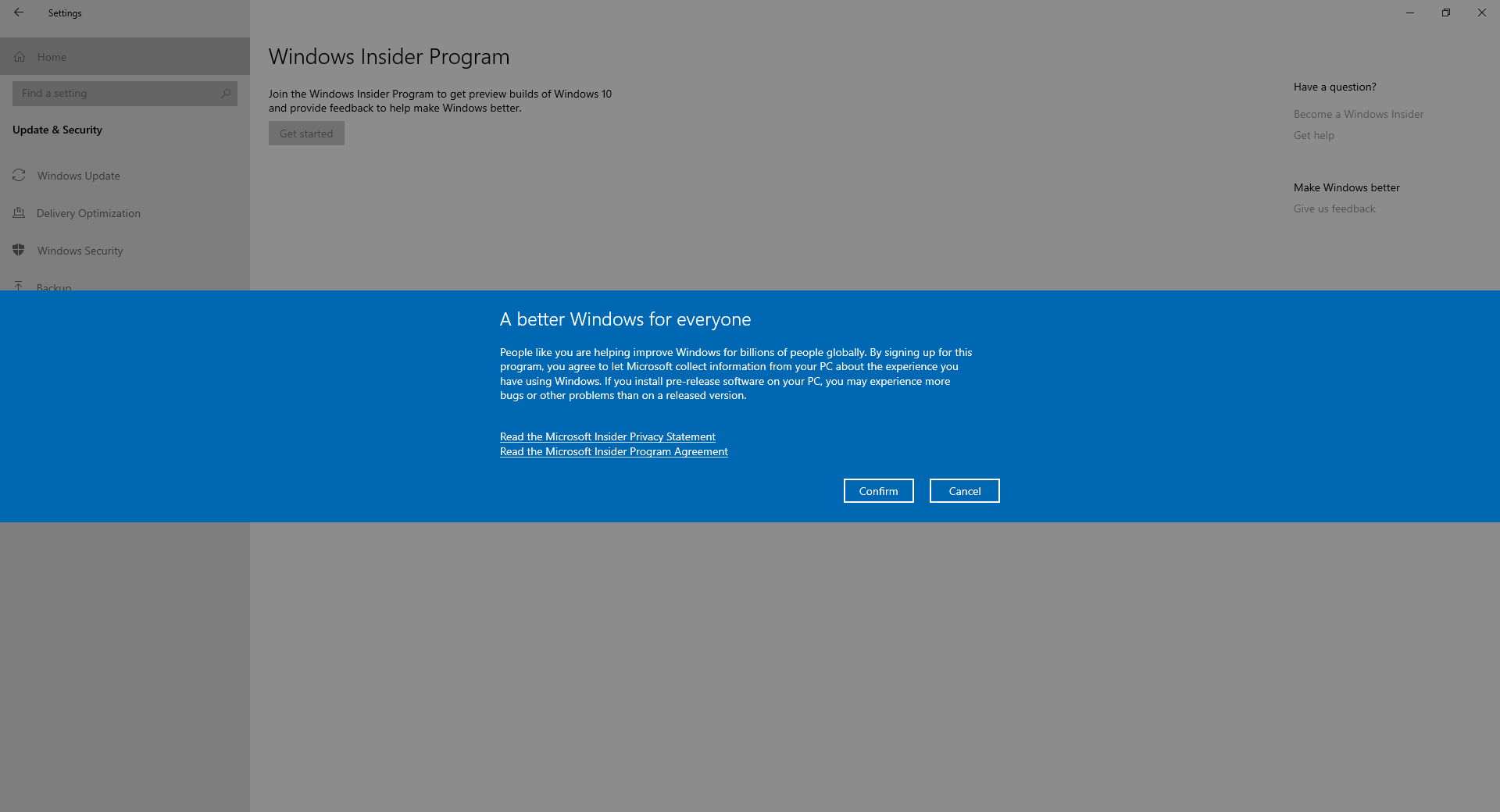
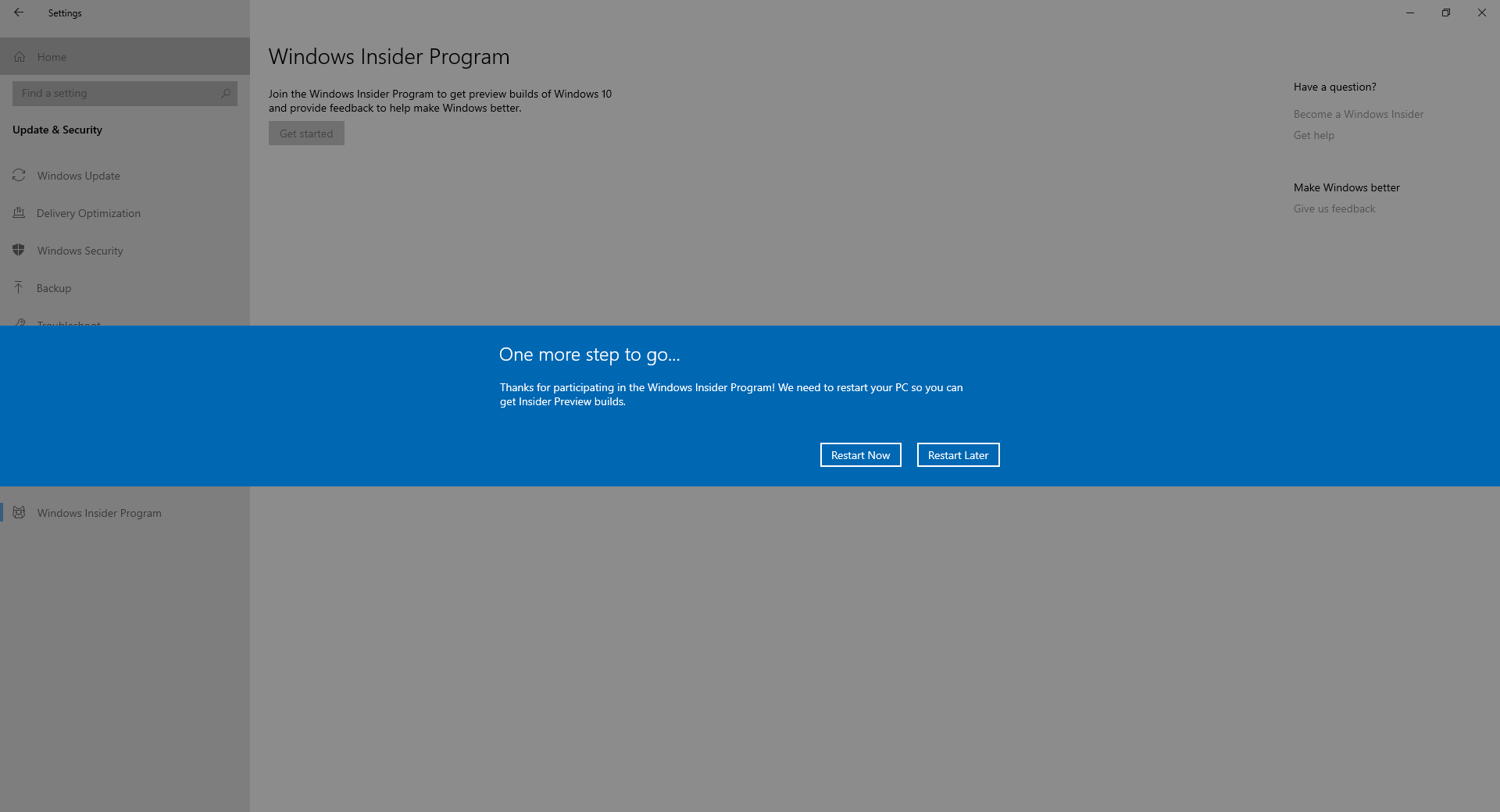
- คลิก Restart Now
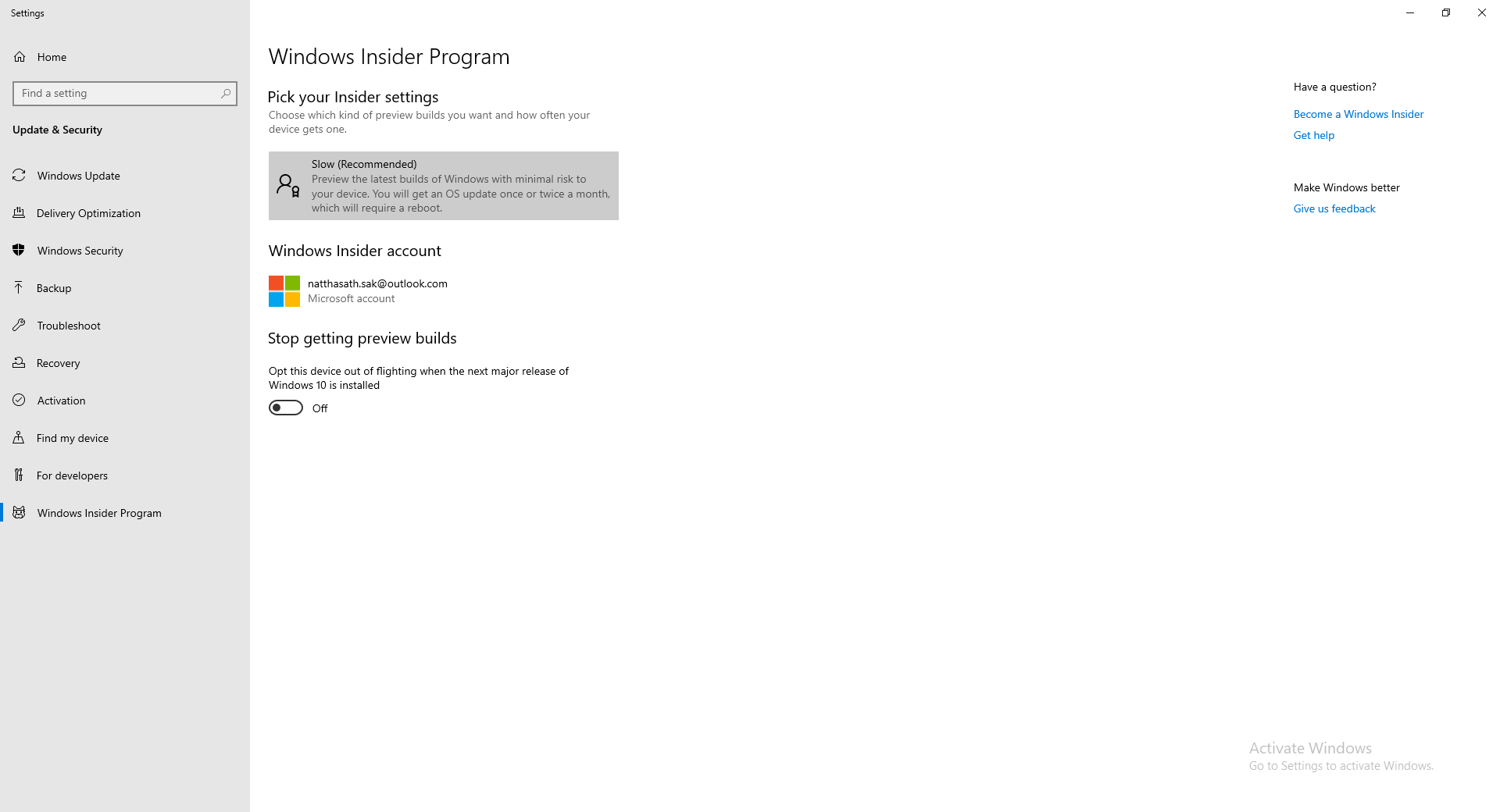
- ทำการเปิด Windows Insider Program ขึ้นมาอีกครั้ง จะแสดง Account ของเรา
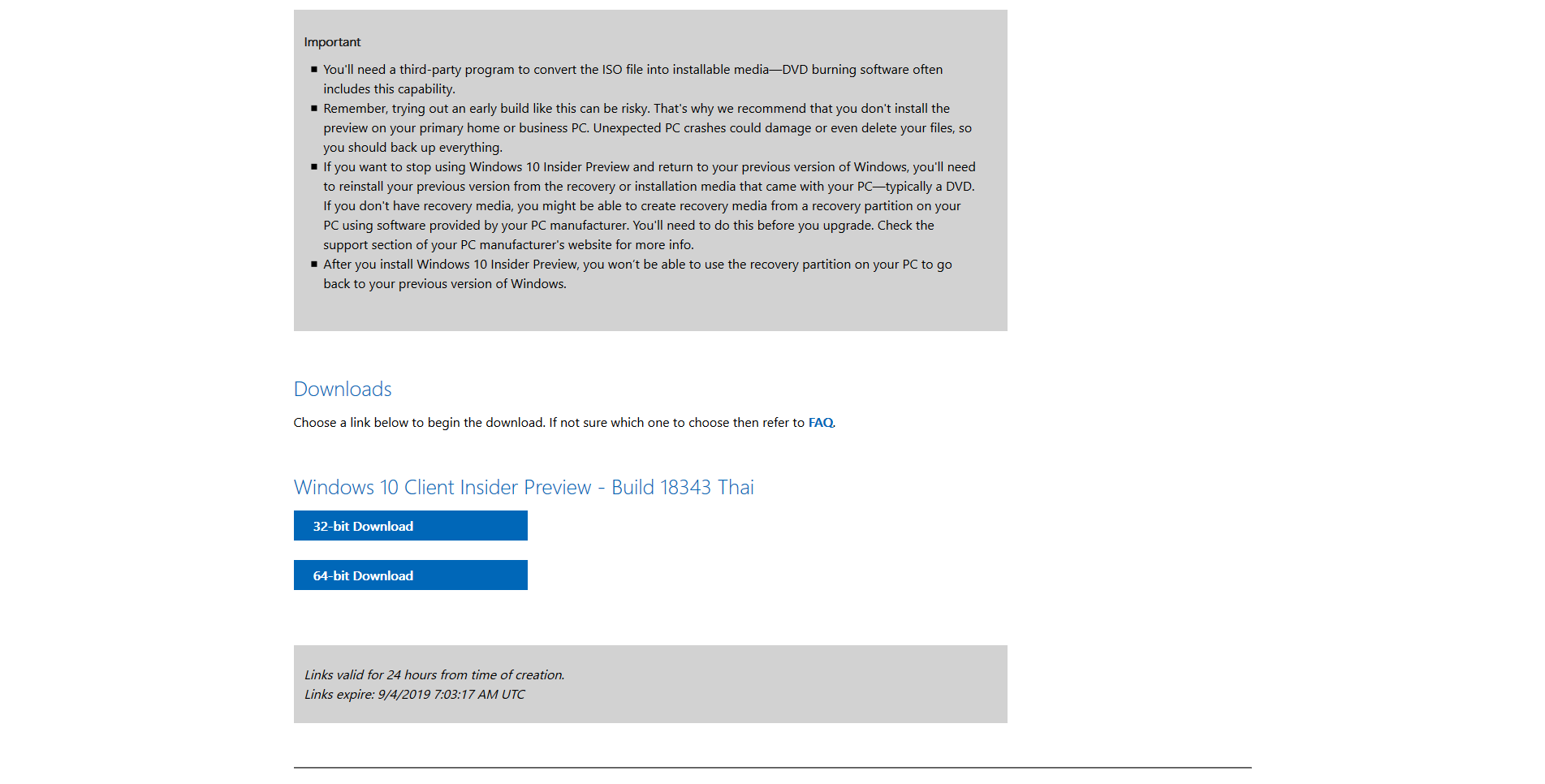
- หากเปิดใช้งานเรียบร้อยจะต้องสามารถดาวน์โหลด Windows 10 Client Insider Preview ได้
- หรือทำการอัพเดทผ่าน Windows Update
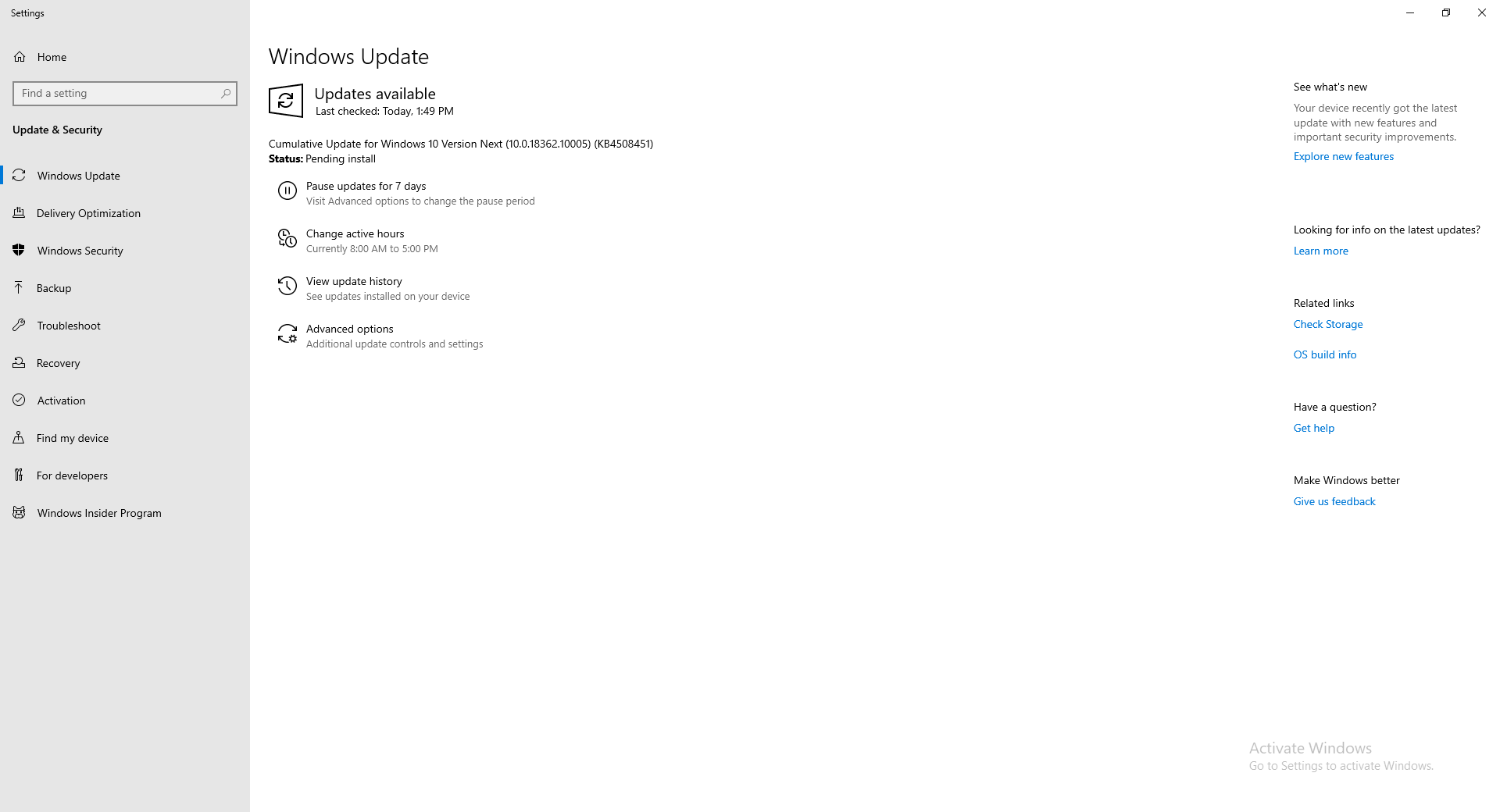
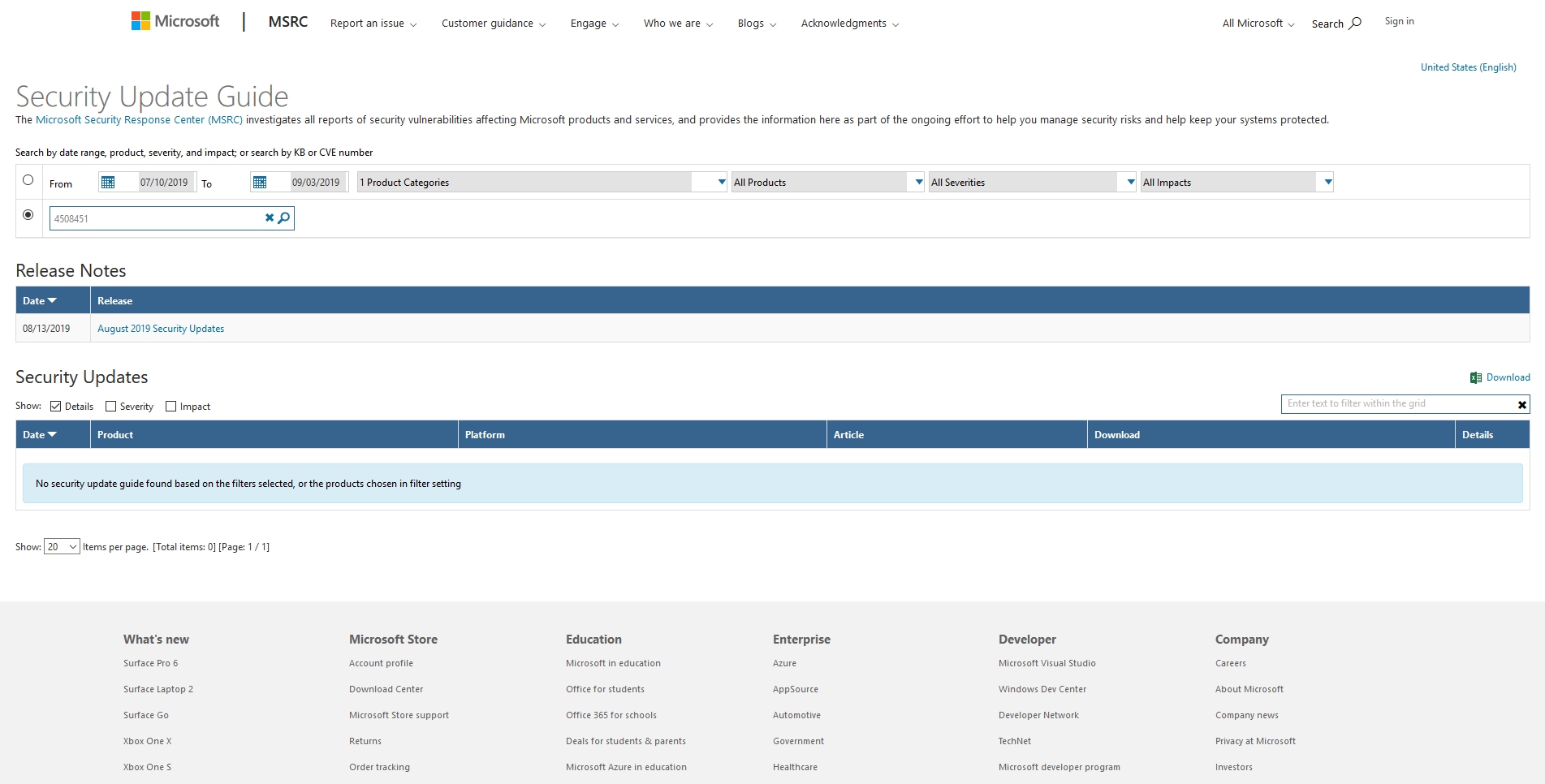
- สามารถตรวจสอบว่า Patch ถูกปล่อยออกมาให้ Download รึยังได้ที่ https://portal.msrc.microsoft.com/en-US/security-guidance แล้วทำการค้นหาจากหมายเลข KB
อ่านเพิ่มเติม : https://bit.ly/2se20J9
Tagged: Windows Insider
Leave a Reply