หลังจากที่เราได้ลองติดตั้ง Domain Controller, Additional Domain Controller และ Child Domain Controller ซึ่งอยู่ภายใต้ Domain Tree เดียวกัน เราจะมาสร้าง Tree Domain เพื่อสร้าง Domain ที่เป็นต้นใหม่ใน Forest
Requirement
- Change Computer Name
- Network Configuration
- DNS Setting ( Localhost, Forest Root Domain )
- Firewall Enable ( ICMPv4, ICMPv6 )
Install
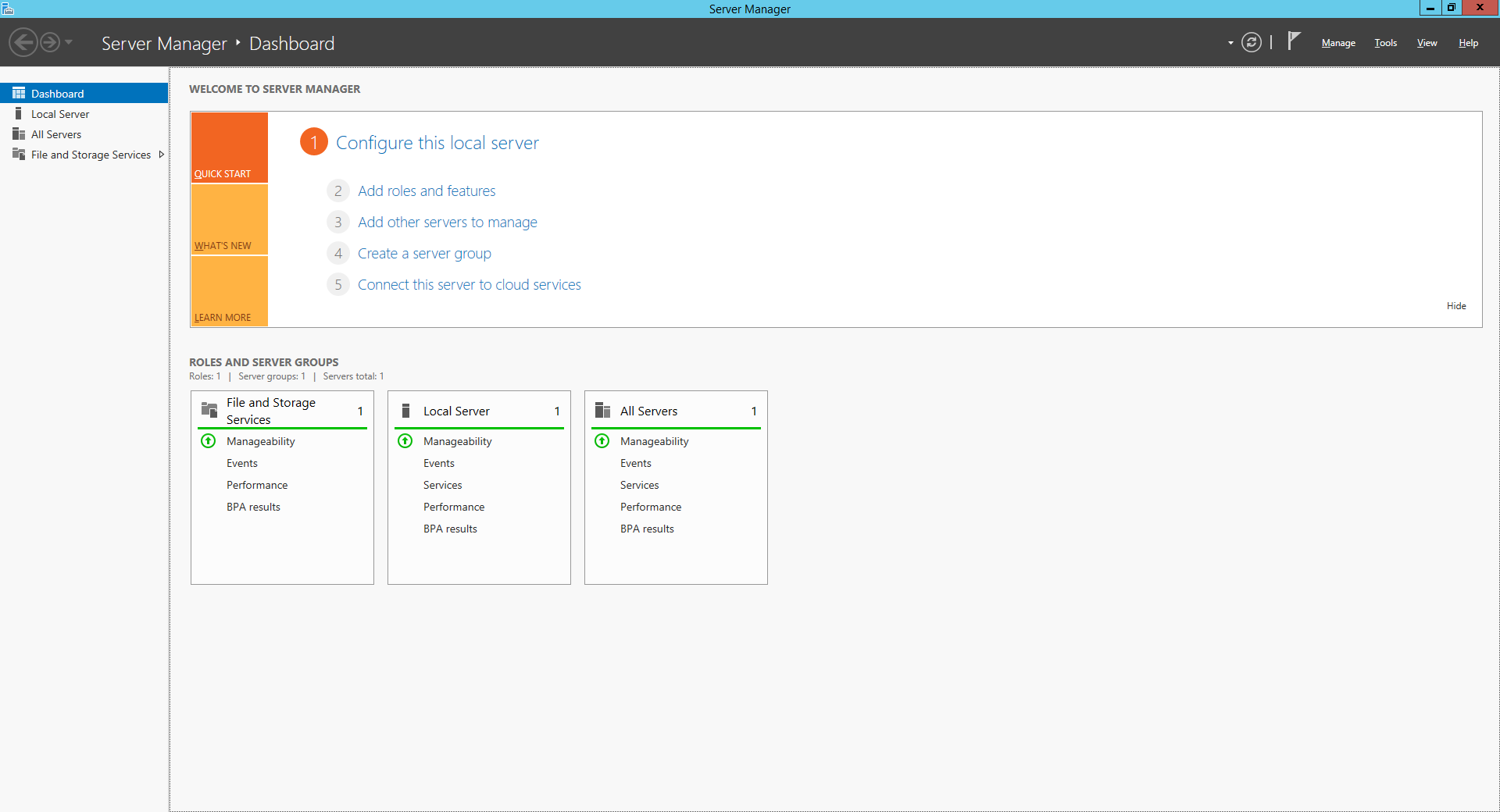
- คลิก Manage เลือก Add Roles and Features
- คลิก Next

- เลือก Role-based or feture-based installation คลิก Next

- คลิก Next

- เลือก Active Directory Domain Services แล้วคลิก Next

- คลิก Add Features

- คลิก Next

- คลิก Next

- คลิก Next

- คลิก Install

- คลิก Close

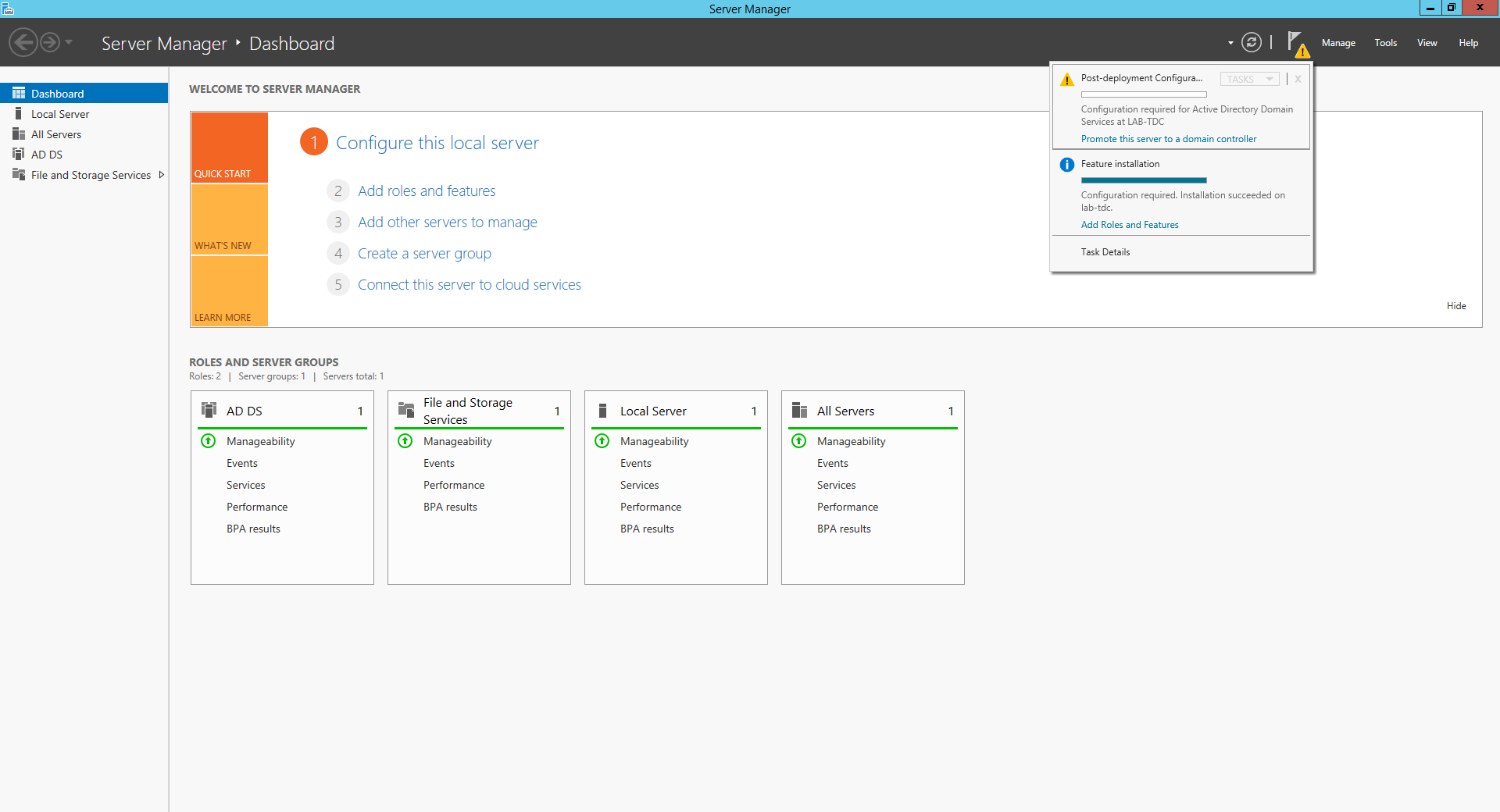
- คลิก Promote this server to a domain controller
- เลือก Add a new domain to an existing forest โดยเลือกเป็น Tree Domain แล้วคลิก Change

- กรอก Username และ Password ของ Domain ( lab.local )

- กำหนดชื่อ Tree Domain แล้วคลิก Next

- กรอก Password ของ Local Admin เพื่อให้สามารถทำการ Restore บริการ Directory Service ใน Safe Mode แล้วคลิก Next

- กรณีที่สร้างเป็น Tree Domain ระบบจะไม่ได้ทำการ Create DNS Delegation มาให้โดยอัตโนมัติ คลิก Next

- คลิก Next

- คลิก Next

- คลิก Next

- คลิก Install รอจนติดตั้งเสร็จ ระบบจะทำการ Restart

- คลิก Tools เลือก Active Directory Users and Computers แล้วคลิก Domain Controller

- คลิก Tools เลือก Active Directory Sites and Services แล้วคลิก Default-First-Site-Name -> Servers จะแสดง Domain Controller ทั้งหมดภายใน Site

Leave a Reply