หลังจากที่เราได้ลองติดตั้ง Active Directory Domain Service กันไปเรียบร้อยแล้ว ซึ่งการติดตั้ง AD DS จะทำการติดตั้ง DNS ให้โดยอัตโนมัติ พร้อมทำการสร้าง DNS Zone แบบ Active Directory-Integrated ซึ่งเราจะมาลองติดตั้ง DNS แบบ Workgroup โดยไม่มีบริการ AD DS กัน
Requirement
- Change Computer Name
- Network Configuration
- DNS Setting ( Localhost, Forest Root Domain )
- Firewall Enable ( ICMPv4, ICMPv6 )
Install
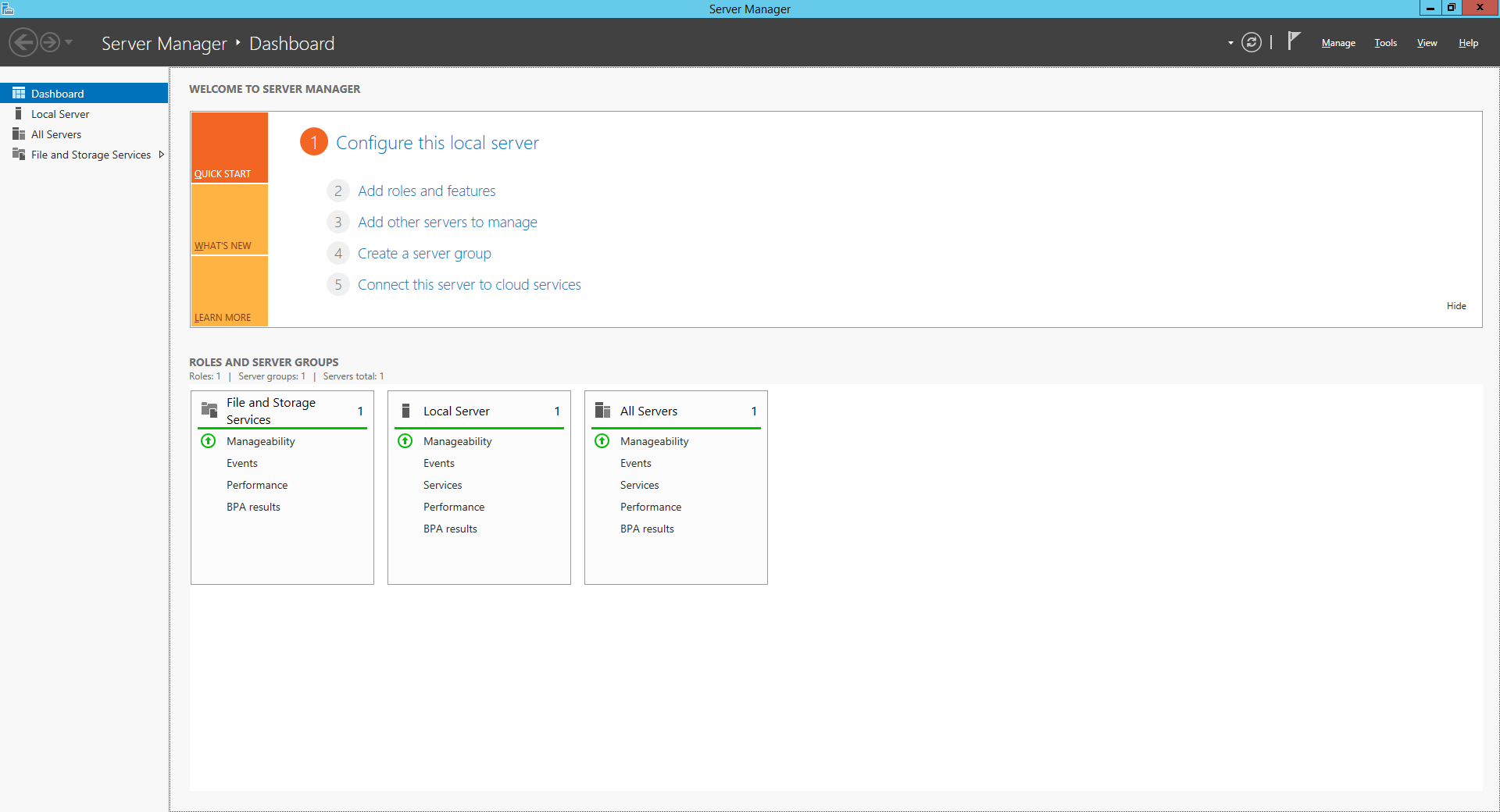
- คลิก Manage เลือก Add Roles and Features
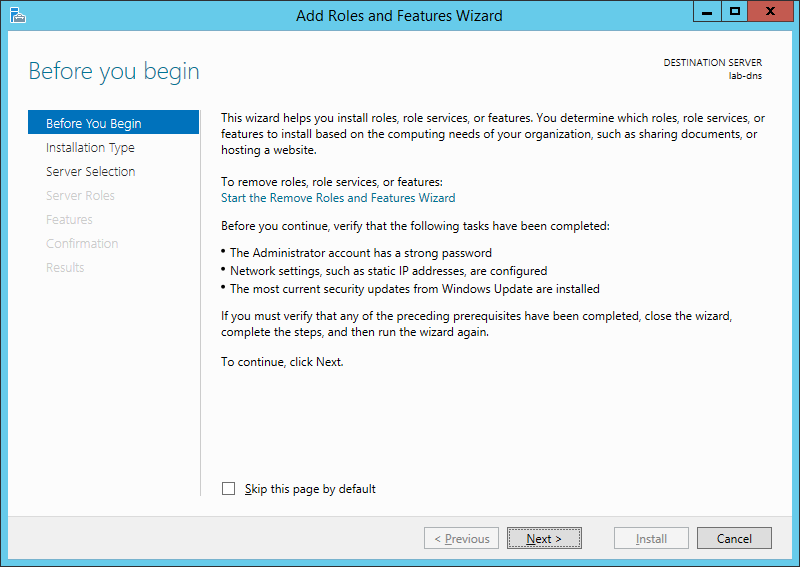
- คลิก Next
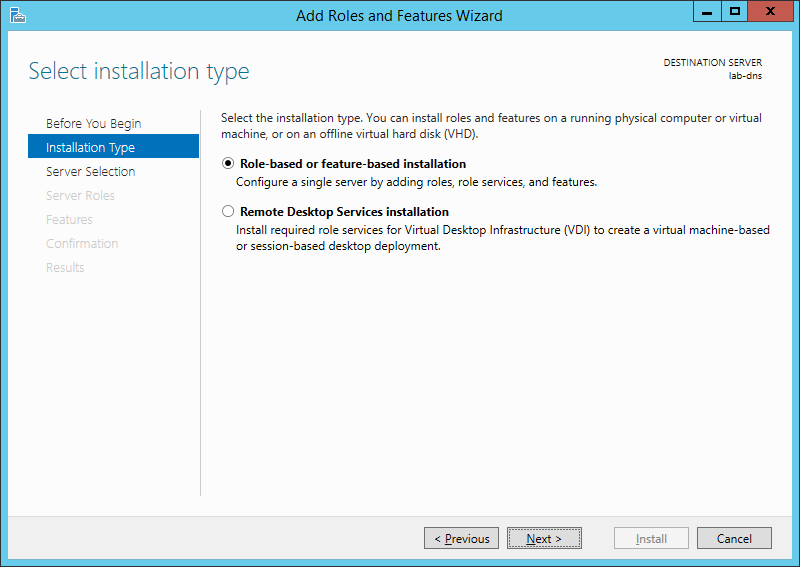
- เลือก Role-based or feture-based installation คลิก Next
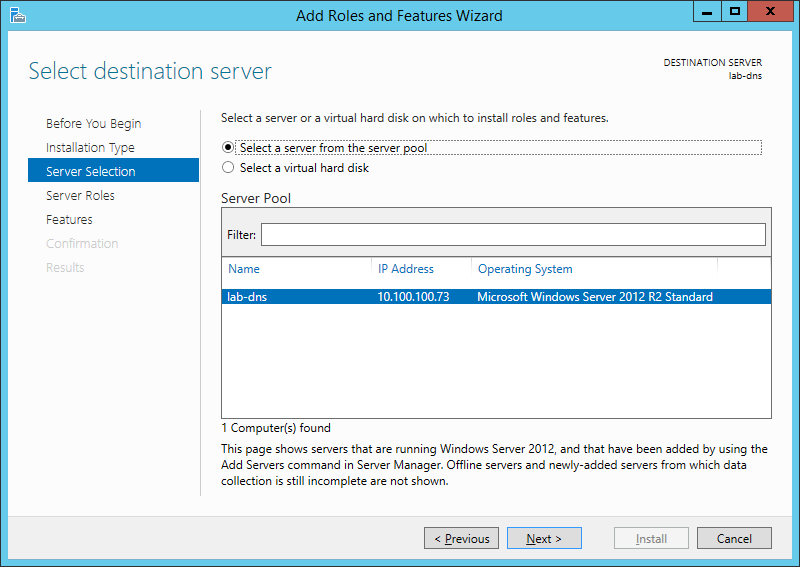
- คลิก Next
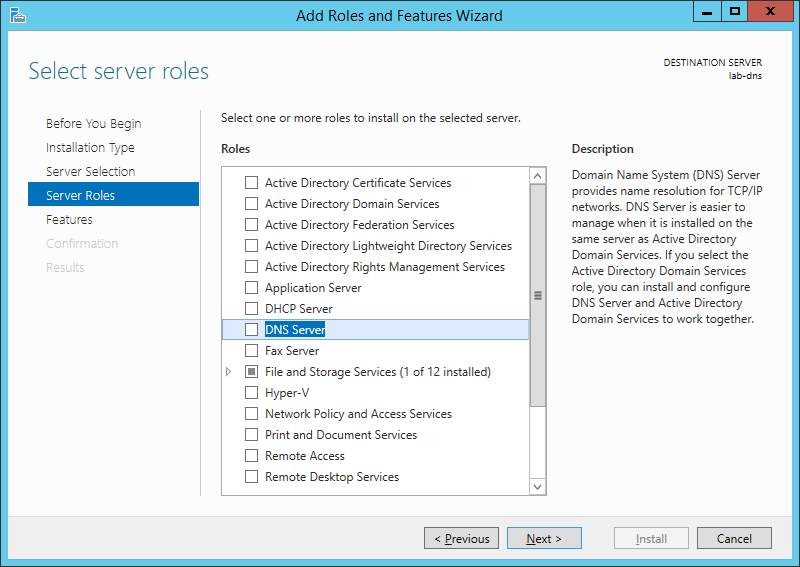
- เลือก DNS Server แล้วคลิก Next
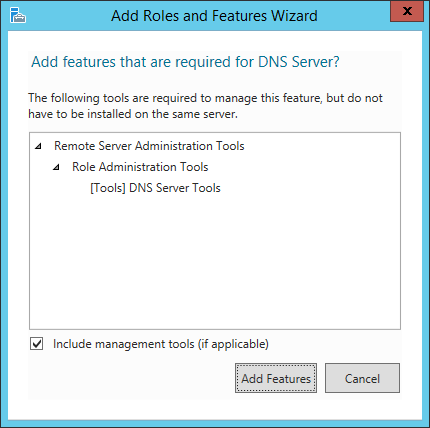
- คลิก Add Features
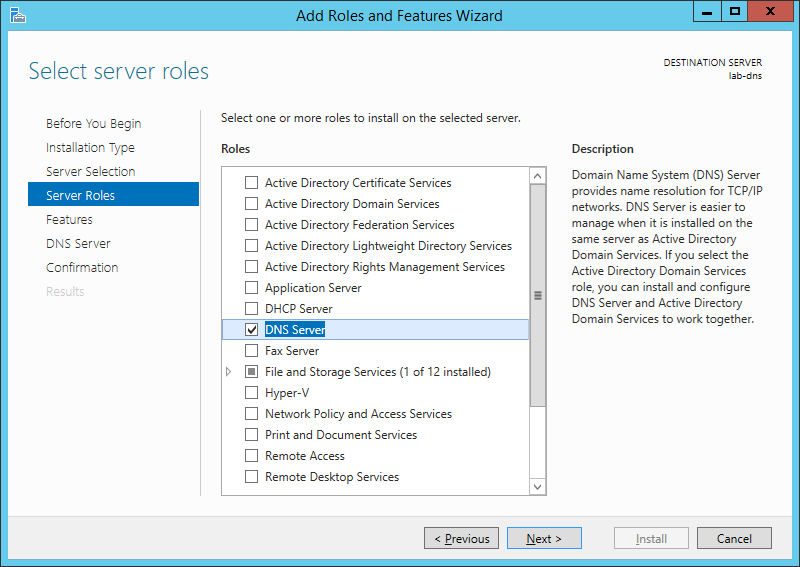
- คลิก Next
- คลิก Next
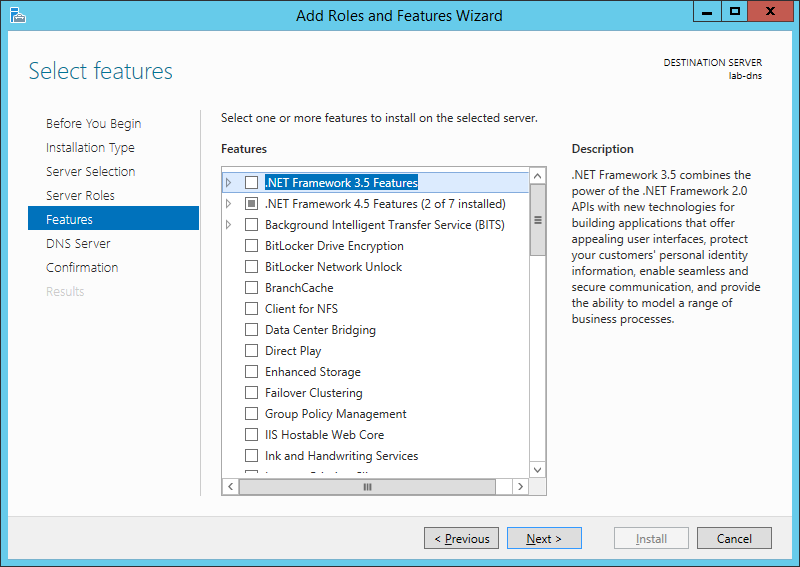
- คลิก Next
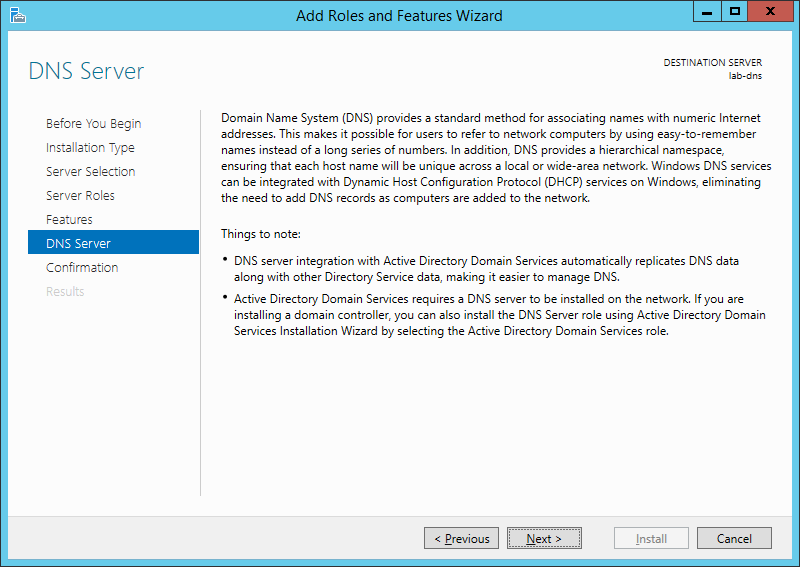
- คลิก Install
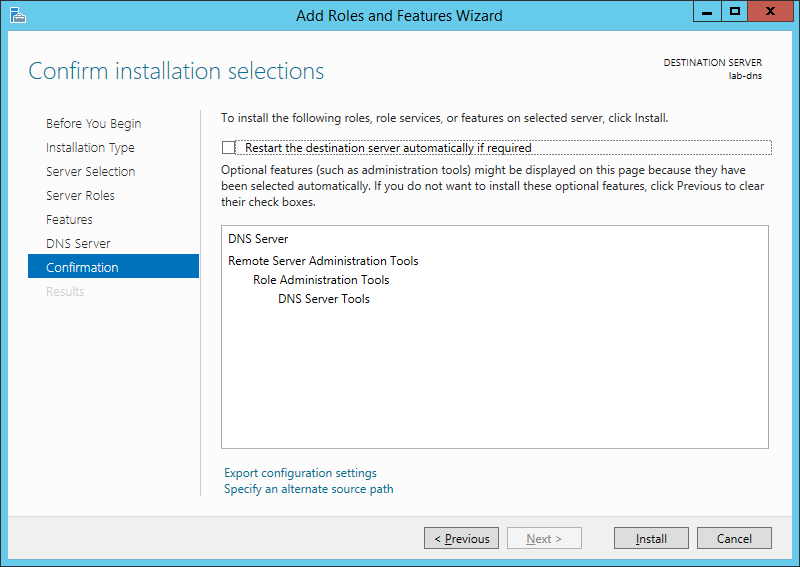
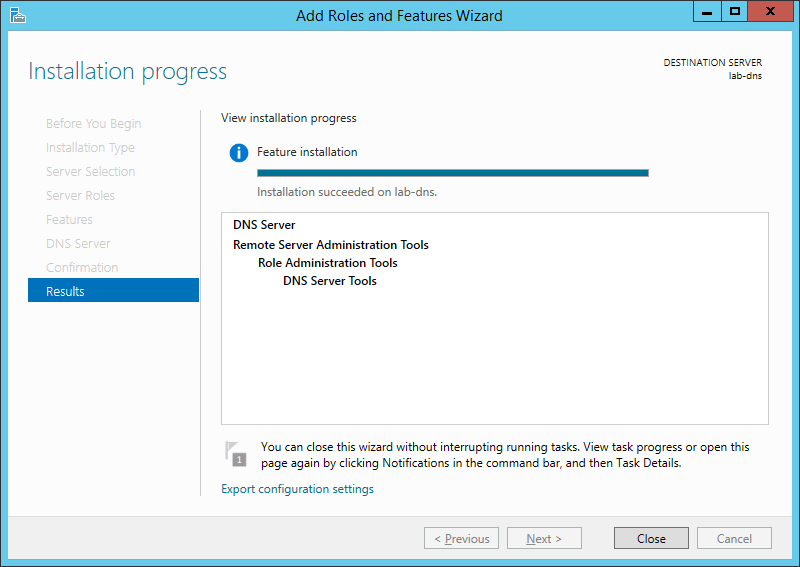
- คลิก Close
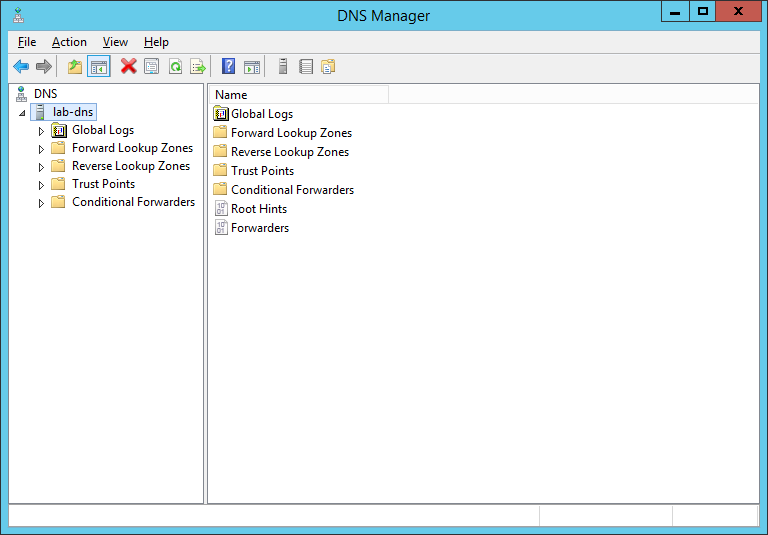
- คลิก Tools เลือก DNS จะแสดง DNS Manager ขึ้นมา
Tagged: DNS
Leave a Reply